
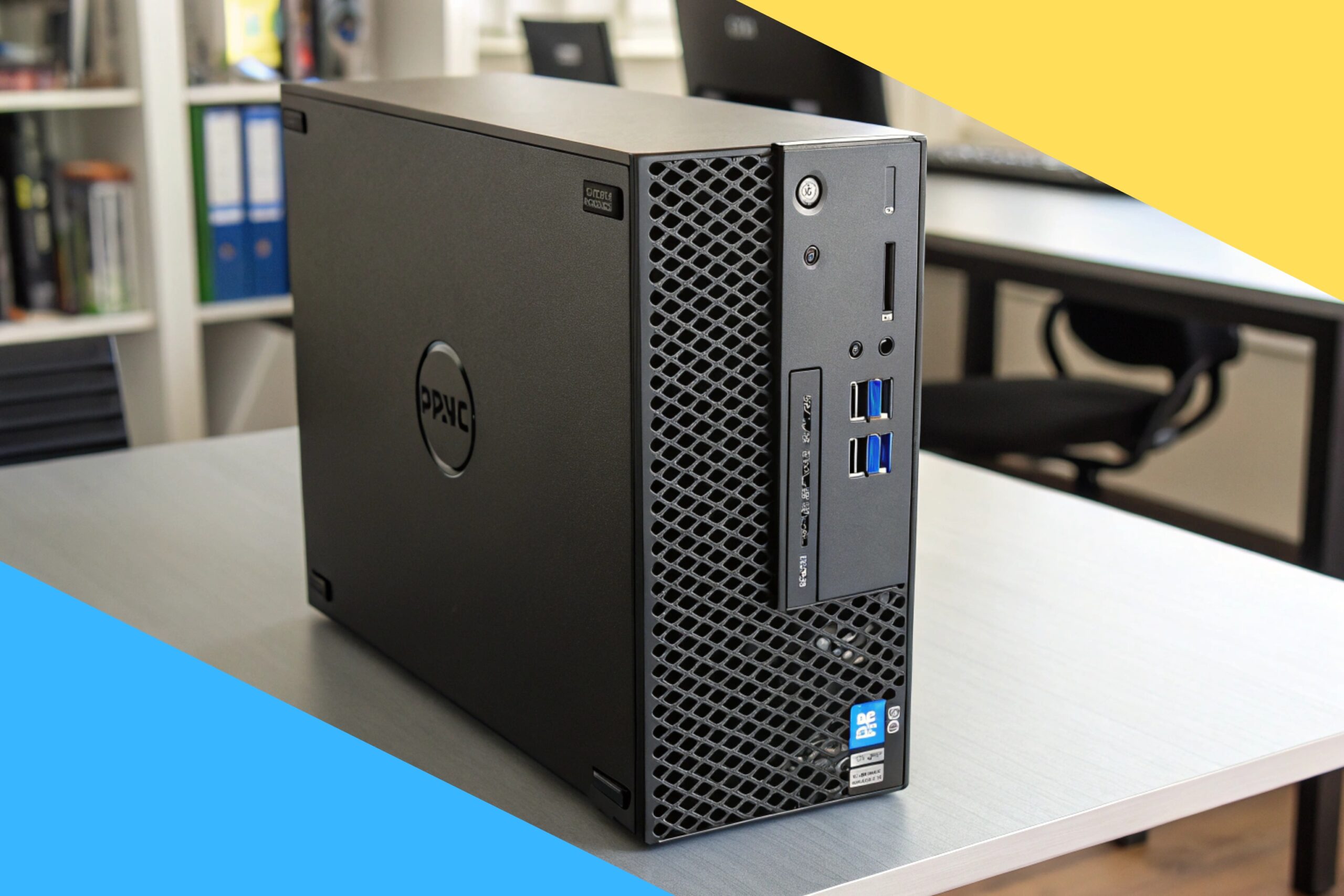
Fast, compact, and reliable—great for home offices, students, and light creators.
Table of Contents
Need a desktop that boots fast, handles dozens of browser tabs, and runs Office apps without hiccups? You might not want to spend big on a new tower or gaming rig. That’s where a small form factor PC shines. I tested a renewed unit to see if it can replace bulkier desktops for day‑to‑day work and multitasking. If you’re juggling emails, spreadsheets, Zoom calls, and streaming, this could be the quiet little workhorse you’ve been looking for.

Is Dell Optiplex 7050 SFF Good?
Yes—if you want a compact desktop that feels fast for everyday tasks, this is a smart buy. It’s ideal for students, remote workers, small business users, and anyone who needs dependable speed without a huge footprint. The Core i7-7700, 32GB DDR4 RAM, and a 1TB SSD make it snappy for multitasking, office work, and web apps. Dual monitor support and Windows 11 Pro add nice flexibility.
In my setup, I used it to run Chrome with 20+ tabs, Slack, Zoom, and Excel at the same time. It stayed quiet and responsive. I also hooked it to two 1080p displays and enjoyed the extra workspace. As a bonus, the small case slid under my monitor stand, clearing desk space and reducing cable clutter.
My First Impression
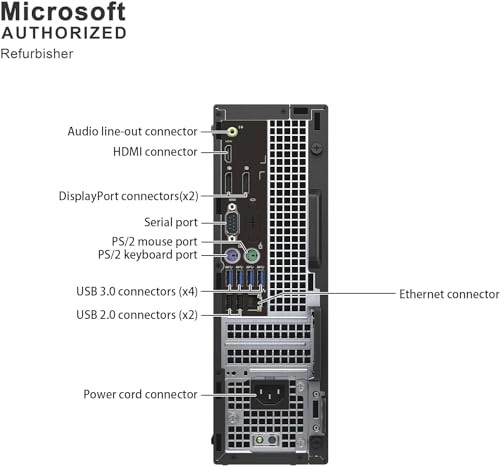
The unit arrived well packed, with foam and a clean exterior—no dents, no scuffs. The small form factor felt dense and solid, like a sturdy book. Ports were plentiful and easy to reach. I liked the neat front panel with USB and audio jacks.
Setup was simple: plug in power, HDMI, keyboard, and mouse, then connect Wi‑Fi and sign in to Windows 11 Pro. Boot time was quick and updates were smooth. On first use, apps opened fast and file transfers flew thanks to the SSD. I felt a little surprise at how quiet it ran under load. It exceeded my expectations for a renewed machine.

What Makes It Stand Out / Key Features
- Intel Core i7‑7700 (4 cores, up to 4.2 GHz) for fast everyday performance
- 32GB DDR4 RAM for heavy multitasking and browser tabs
- 1TB SSD for quick boots and speedy app loads
- Dual monitor support to boost productivity
- Wi‑Fi and Bluetooth built in for clean, wireless setup
- Windows 11 Pro with business‑friendly tools and security
- Small Form Factor (SFF) saves desk space and reduces clutter
- Renewed condition for strong value versus new desktops
What I Like
- Excellent speed for office tasks and multitasking
- Compact case that fits almost anywhere
- Quiet operation even with many apps open
- Dual display support makes work smoother
- Windows 11 Pro and ample ports for flexibility
- Great value as a renewed unit with SSD and lots of RAM
What Could Be Better
- Not built for modern AAA gaming without a dedicated GPU
- Four‑core CPU is fast for work, but not for heavy video editing
- Limited internal expansion due to SFF design
- May need adapters depending on your monitor inputs
- Renewed condition can vary by seller; check return policy
My Recommendation
If you need a reliable desktop for work, study, or light creative tasks, the Dell Optiplex 7050 SFF Desktop PC is a smart, affordable pick. It shines in offices, home setups, and classrooms where speed and stability matter more than gaming. The 32GB RAM and 1TB SSD give it long legs for multitasking and data storage. If you value desk space, this SFF box feels like a win.
It’s best for users who want no‑drama performance and a tidy workspace. Availability can change, so check stock and seller ratings before you buy.
| Best for | Why |
|---|---|
| Remote workers and students | Fast boots, smooth multitasking, and dual monitors improve focus |
| Small offices | Reliable performance, Windows 11 Pro, and compact footprint |
| Budget‑minded buyers | Renewed value with premium specs (i7, 32GB RAM, 1TB SSD) |
Alternative Products You Can Consider
HP EliteDesk 800 G4 SFF — Great for business users who want newer Intel 8th‑Gen CPUs and similar small‑form design. It competes on build quality and security features. Performance is close for office tasks, but pricing varies by configuration.
Lenovo ThinkCentre M710s — Ideal for offices that love Lenovo’s tool‑less cases and quiet fans. It offers strong reliability and easy service. It may have less RAM or SSD by default, so check specs closely when comparing value.
Intel NUC (Recent Models) — Best for ultra‑compact setups and media centers. It’s tiny and power‑efficient. However, you may pay more for similar performance, and expansion is more limited than an SFF desktop.
| Product | Best For | Key Difference |
|---|---|---|
| Dell Optiplex 7050 SFF Desktop PC | Everyday productivity and multitasking on a budget | Great renewed value with i7, 32GB RAM, 1TB SSD |
| HP EliteDesk 800 G4 SFF | Business environments needing newer gen CPUs | Slightly newer platform; similar SFF design |
| Lenovo ThinkCentre M710s | Quiet offices and easy serviceability | Tool‑less case and whisper‑quiet fans |
| Intel NUC (various) | Ultra‑compact home or kiosk use | Much smaller footprint; limited expansion |
Final Verdict: Which Should You Buy?
The Dell Optiplex 7050 SFF Desktop PC delivers fast everyday performance, low noise, and space savings at a sharp price—especially as a renewed model. It’s the easy pick for remote workers, students, and small offices that want speed and stability without the cost of a new tower.
Choose the HP EliteDesk 800 G4 if you want a slightly newer CPU generation and similar business‑ready features. Pick the Lenovo ThinkCentre M710s for quiet fans and easy maintenance. Go with an Intel NUC if you need the tiniest possible PC and accept limited expansion. For most shoppers who want balance and value, the Optiplex 7050 SFF is the best everyday choice.
FAQs Of Dell Optiplex 7050 SFF Desktop PC
Can it run two monitors?
Yes. It supports dual displays, which makes multitasking much easier.
Is it good for gaming?
Light games are fine. Modern AAA games need a dedicated GPU, which this SFF unit lacks.
Does it come with Wi‑Fi and Bluetooth?
Yes. It includes Wi‑Fi and Bluetooth, so you can connect wirelessly out of the box.
How fast is the startup time?
The 1TB SSD makes boot times very quick. I consistently saw fast boots and app launches.
Is Windows 11 Pro included?
Yes. It comes with Windows 11 Pro, which is great for work and security features.
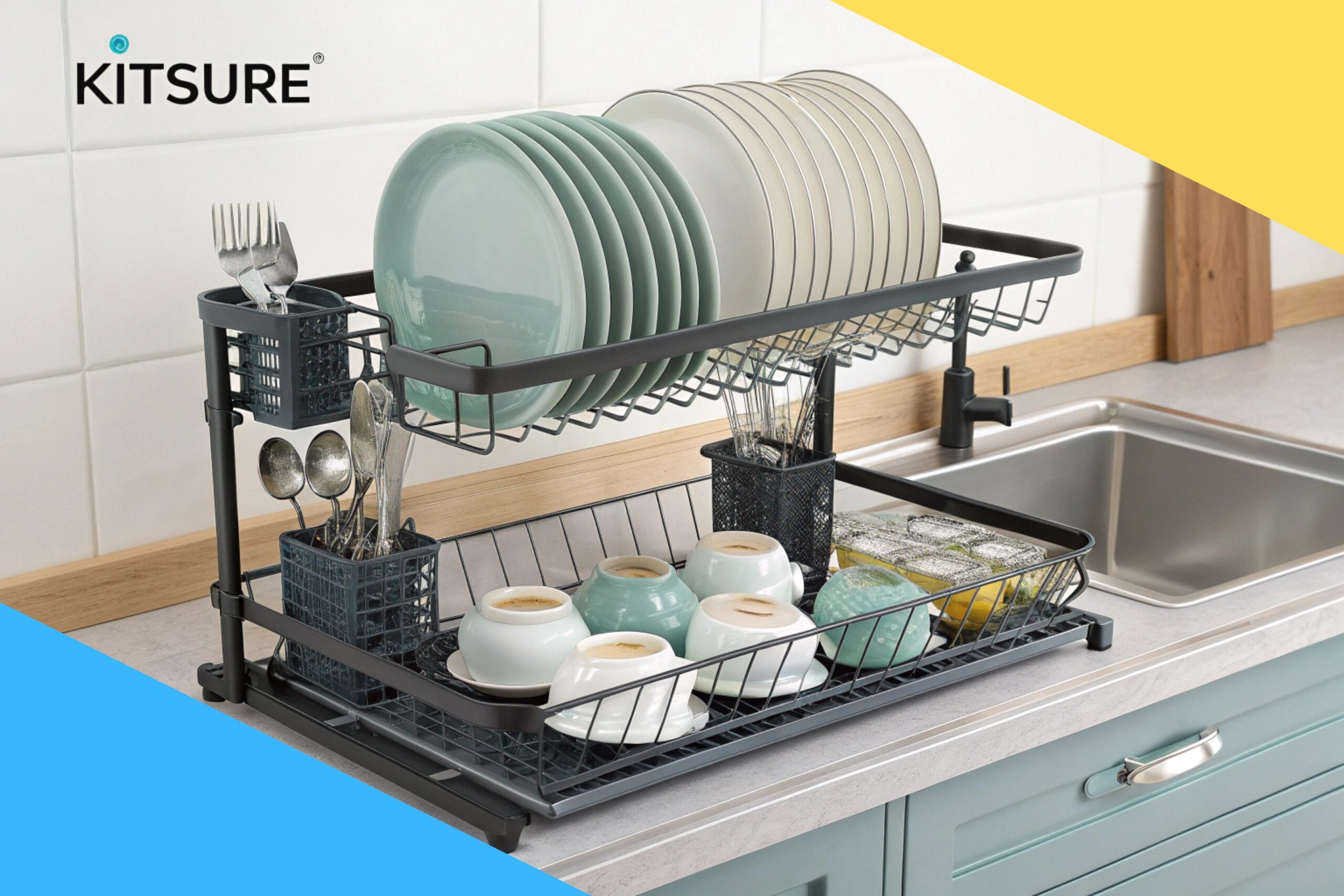
Space-saving, sturdy, and extendable—this rack keeps counters dry and clutter-free. Table of Contents Is Kitsure Large Dish Drying Rack Good?My Read more
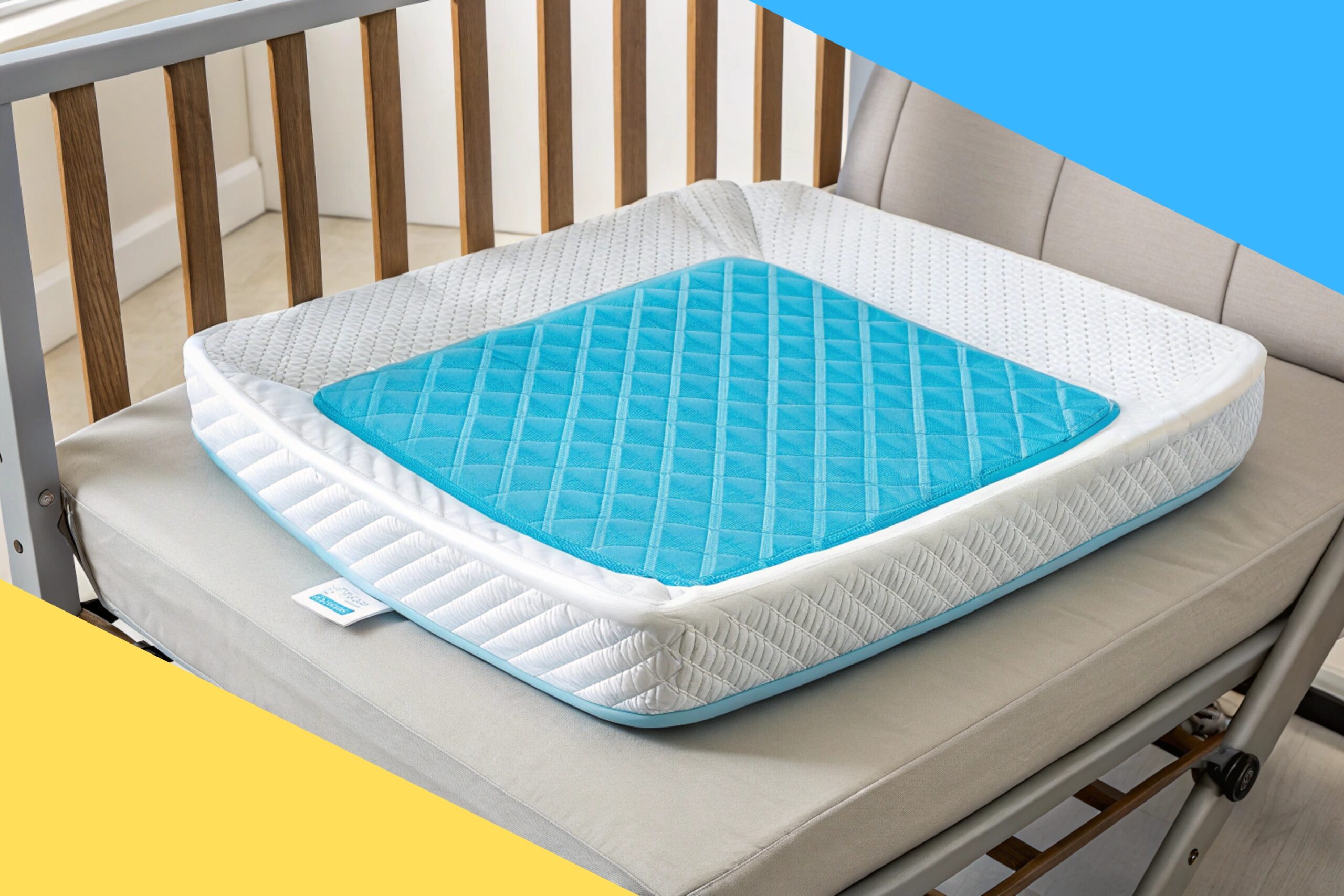
Relieve pressure, cool comfort, and better posture—this cushion actually helps. Table of Contents Is ComfiLife Premium Gel & Memory Foam Read more
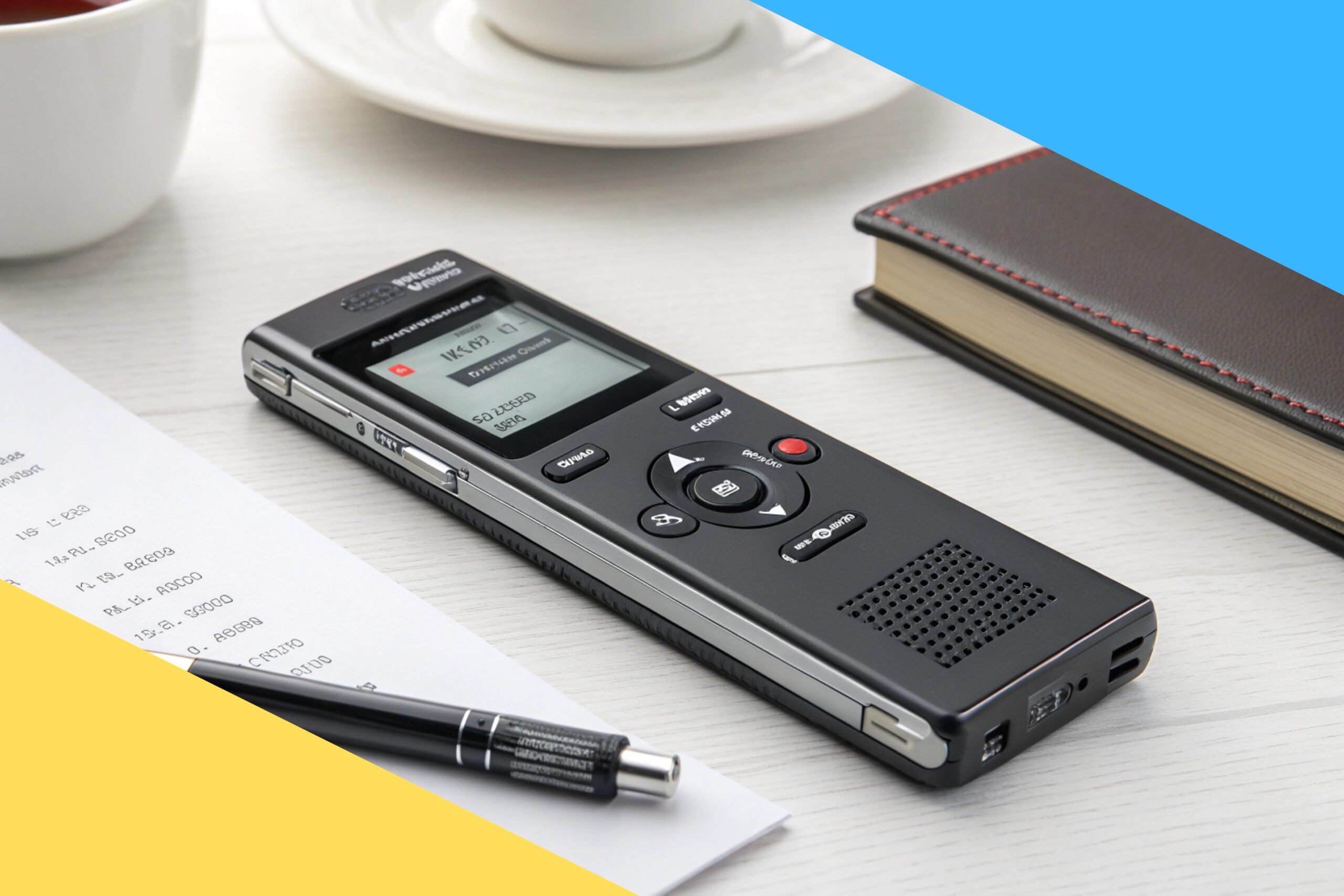
Big storage, clear audio, easy playback, voice activation, and strong privacy. Table of Contents Is 136GB Digital Voice Recorder With Read more

Reliable, long-burning fire starters that ignite fast, cut hassle, and work indoors and outdoors. Table of Contents Is Superior Trading Read more
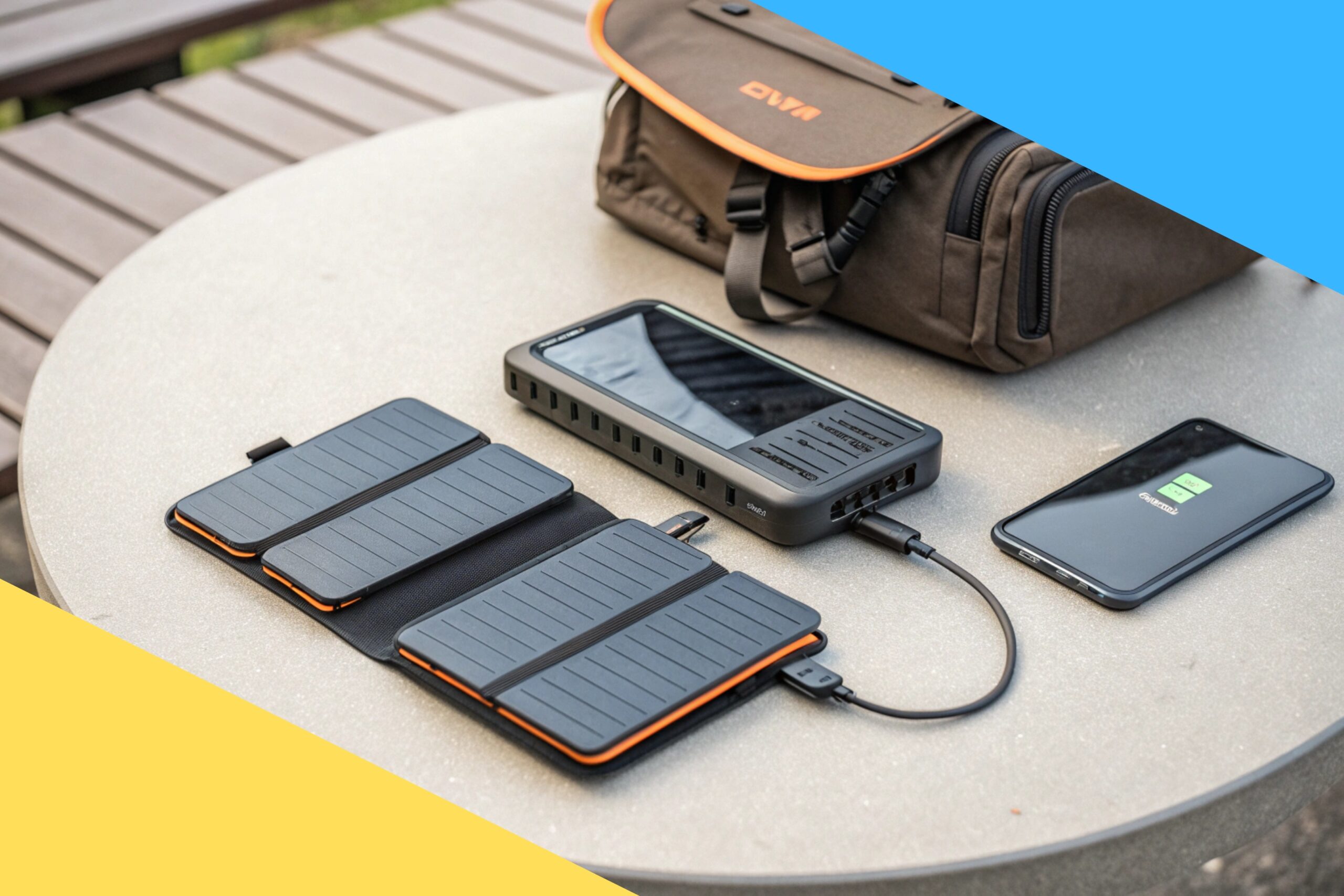
Compact, rugged, and reliable. It powers phones fast and adds solar backup. Table of Contents Is BLAVOR Solar Charger Power Read more
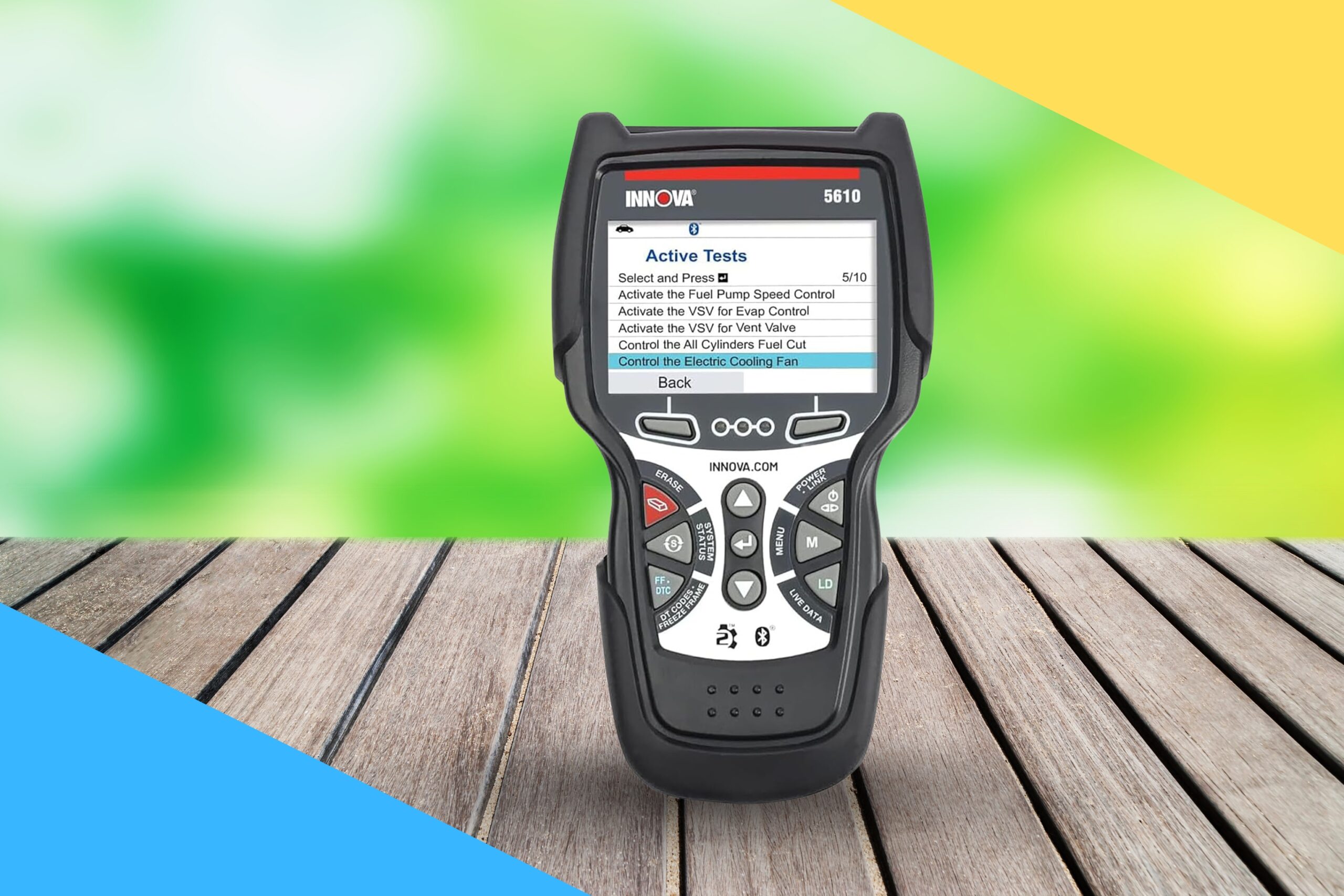
Powerful, accurate, and beginner-friendly—this scanner saves time, money, and guesswork. Table of Contents Is Innova 5610 Good?My First ImpressionWhat Makes Read more
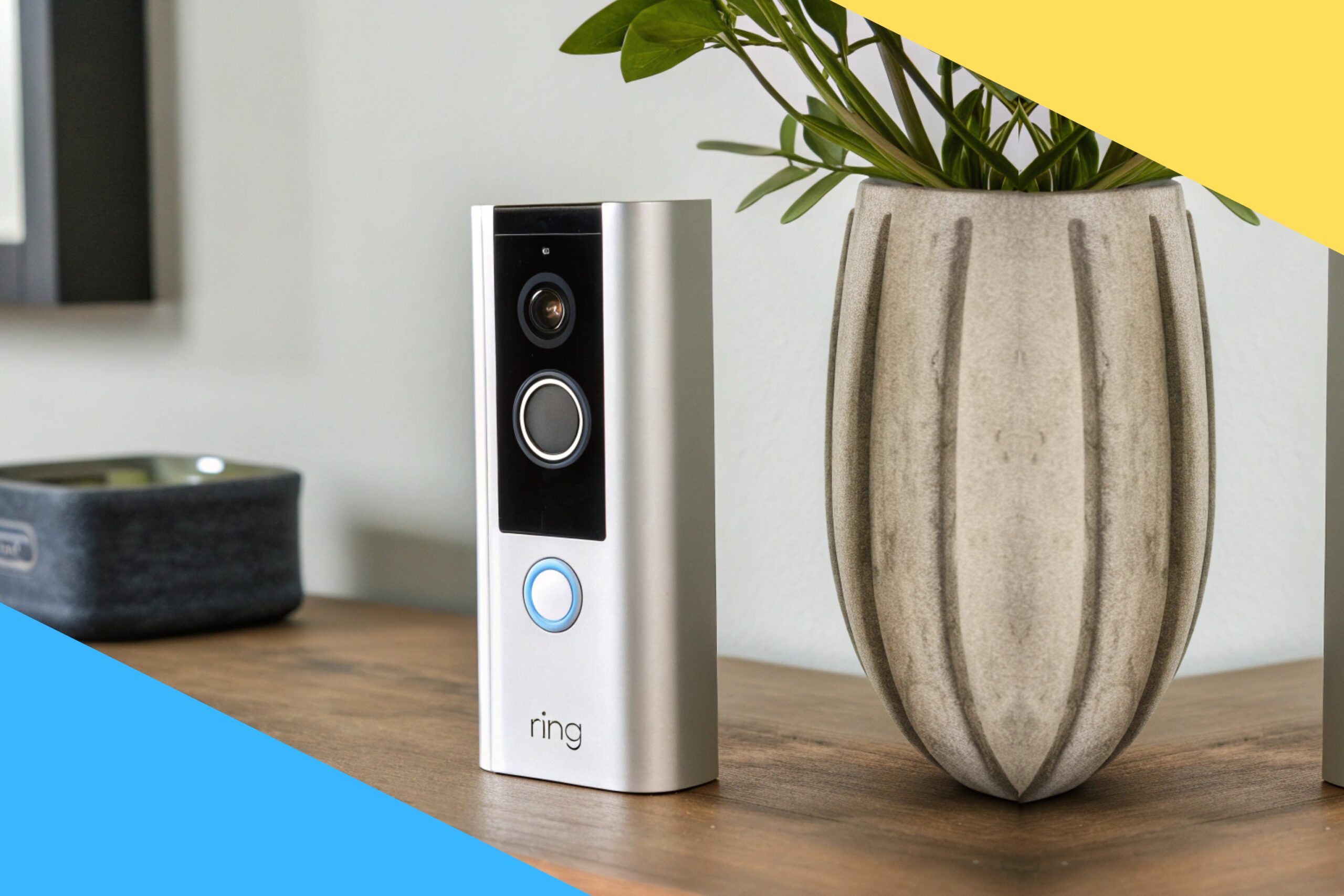
Sharp video, fast alerts, and smart detection make this doorbell a strong buy. Table of Contents Is Ring Battery Doorbell Read more
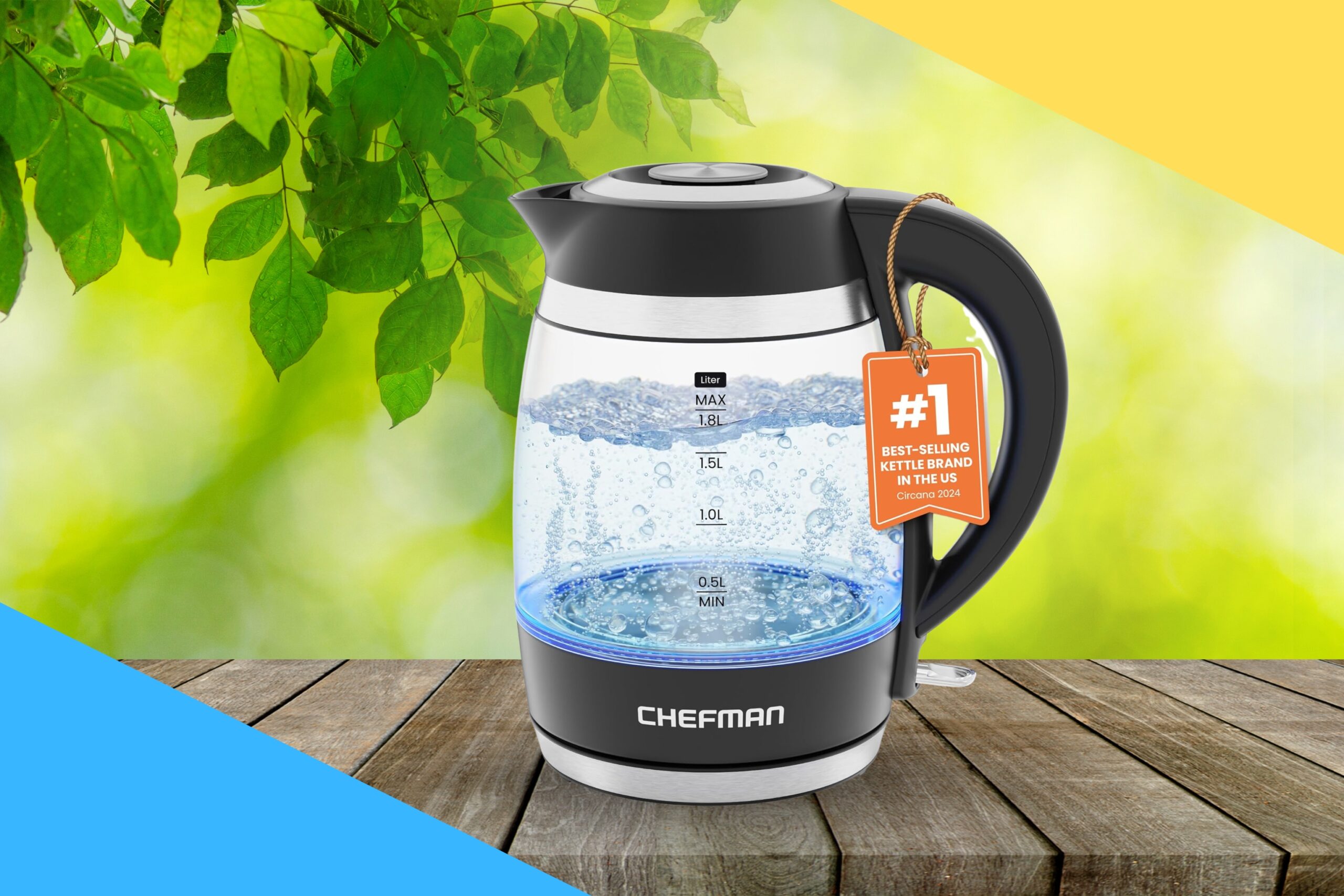
Quick take: It boils fast, looks sleek, and is easy to clean. Table of Contents Is Chefman Electric Kettle Good?My Read more
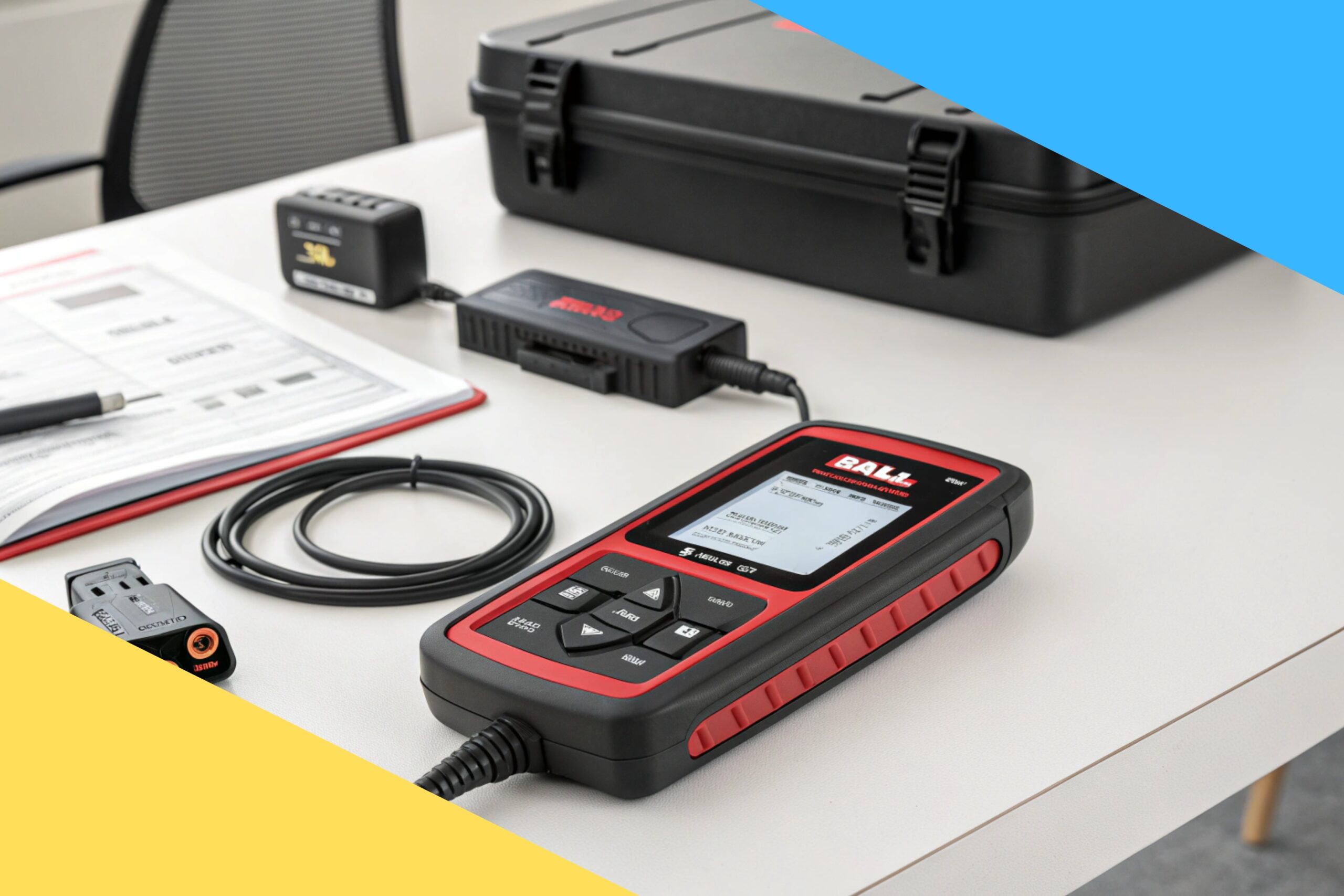
Quick take: It’s a smart, budget-friendly scanner-battery tester combo that saves you time. Table of Contents Is ANCEL AD530 PRO Read more
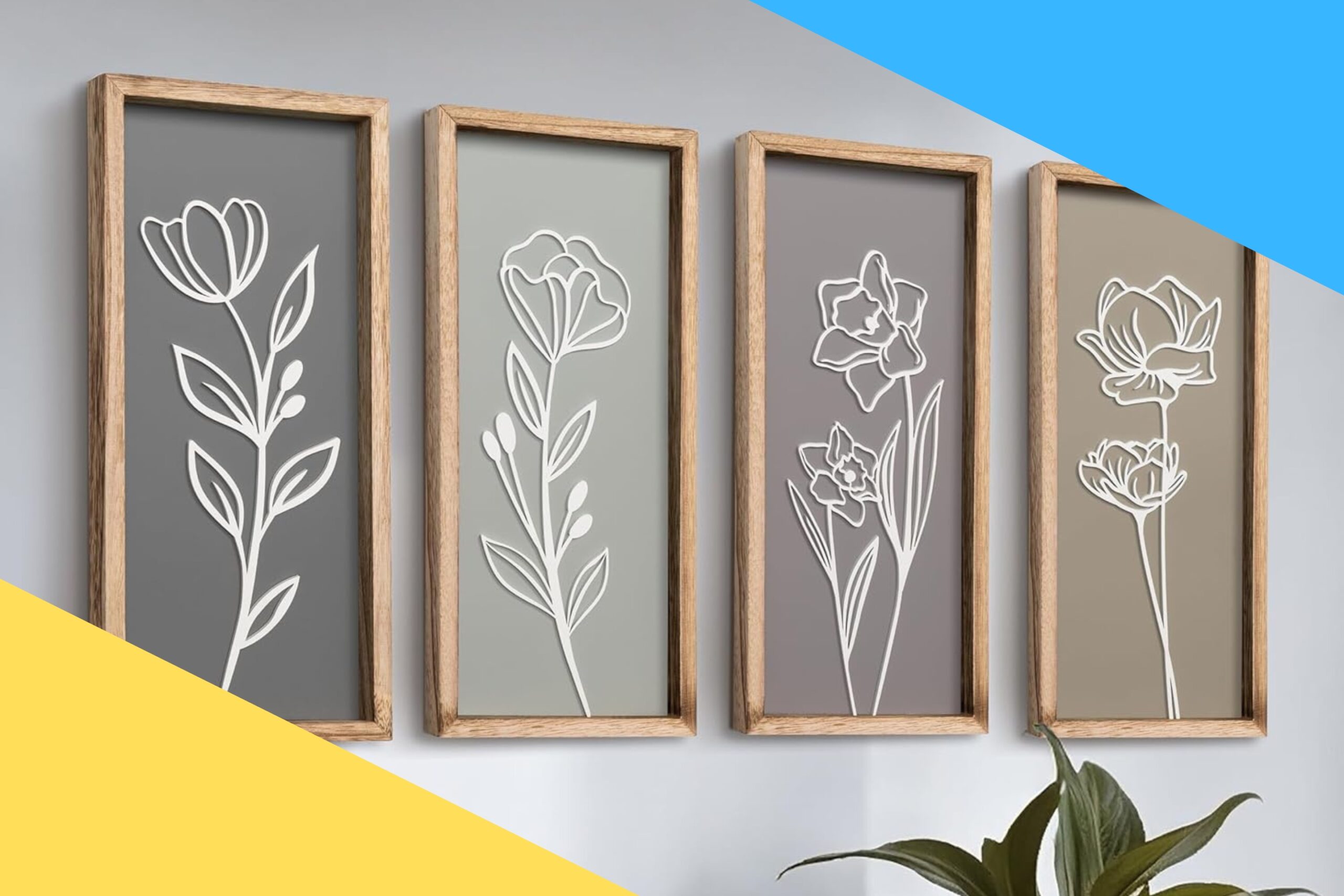
Elegant, lightweight, and ready-to-hang floral wall art that adds instant depth. Table of Contents Is 3D Wooden Floral Bathroom Wall Read more
Leave a Reply